

Run your salon.
Know your business.
Manage appointments, walk-in sales, customers, stock and staff commissions in one place. Built for salons, spas and barbershops in Kenya.
New to Konya? See how it works
Sales & payments
One clear view
Your day, organised
Bookings, customers & sales
Together in Konya


Set up your business.
Share your booking link.
Add your services, team and opening hours. Share your link so customers can choose a service and an available time. Manage visits and sales from your dashboard.
Keep your day connected with Konya.
From the first booking to the final payment, keep the details of your working day connected.
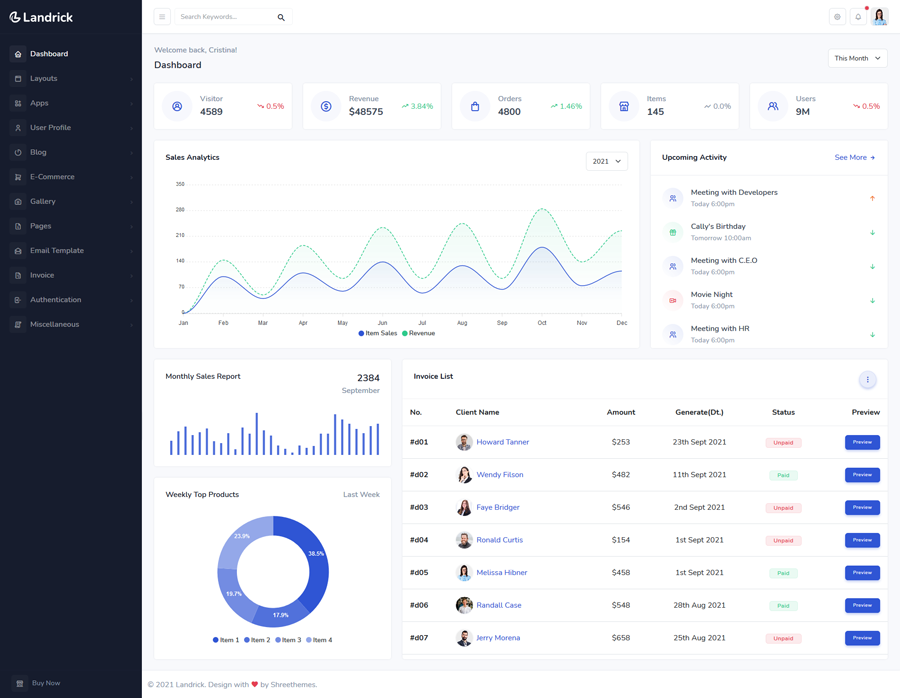
Bookings, customers and checkout
Keep appointments and customer records organised. At checkout, record services and products, assign the right team members and see what has been collected or remains unpaid.
- Share your online booking link
- Keep customer details and visit records together
A clearer view of sales and your team
Record sales, review balances and follow your team’s work. Use the dashboard to see collections and spending without confusing them with profit.
Controlled staff access
Give team members access through business roles and permissions, and attribute services and retail sales to the right people.
Products and commissions
Track product stock and service commissions alongside your daily sales. Review collections and outstanding balances in your reports.
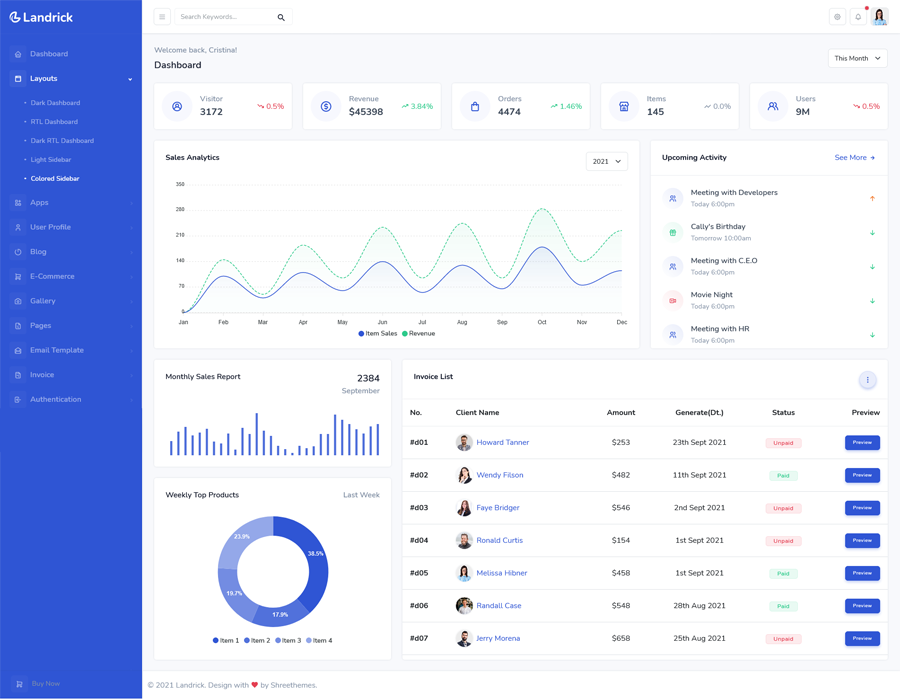
Bring your next working day into Konya
See completed collections, outstanding balances and appointments from your dashboard. Choose a plan that fits your team.
Made for your beauty business
Tools for appointments, walk-ins and the team behind every visit.
Salons
Organise appointments, walk-in services and retail sales, with the right professional recorded on each service.
Learn how Konya worksBarbershops
Keep walk-in sales and scheduled visits together, and track the services provided by your team.
Learn how Konya worksSpas
Publish services and available times, manage customer details and keep appointment records organised.
Learn how Konya worksBeauty studios
Manage beauty services, optional extras, products and customer bookings from one place.
Learn how Konya worksFrequently asked questions
Answers about getting started, booking, payments and day-to-day access.
Your business, in your browser
Open Konya in your browser on your phone, tablet or computer. No app-store download is needed.